Choosing the Right Report
What each of the nineteen reports is actually for
Time Tracker Billing includes nineteen reports. Most people use four or five. This is what each one is for, so you can find yours quickly.
![]()
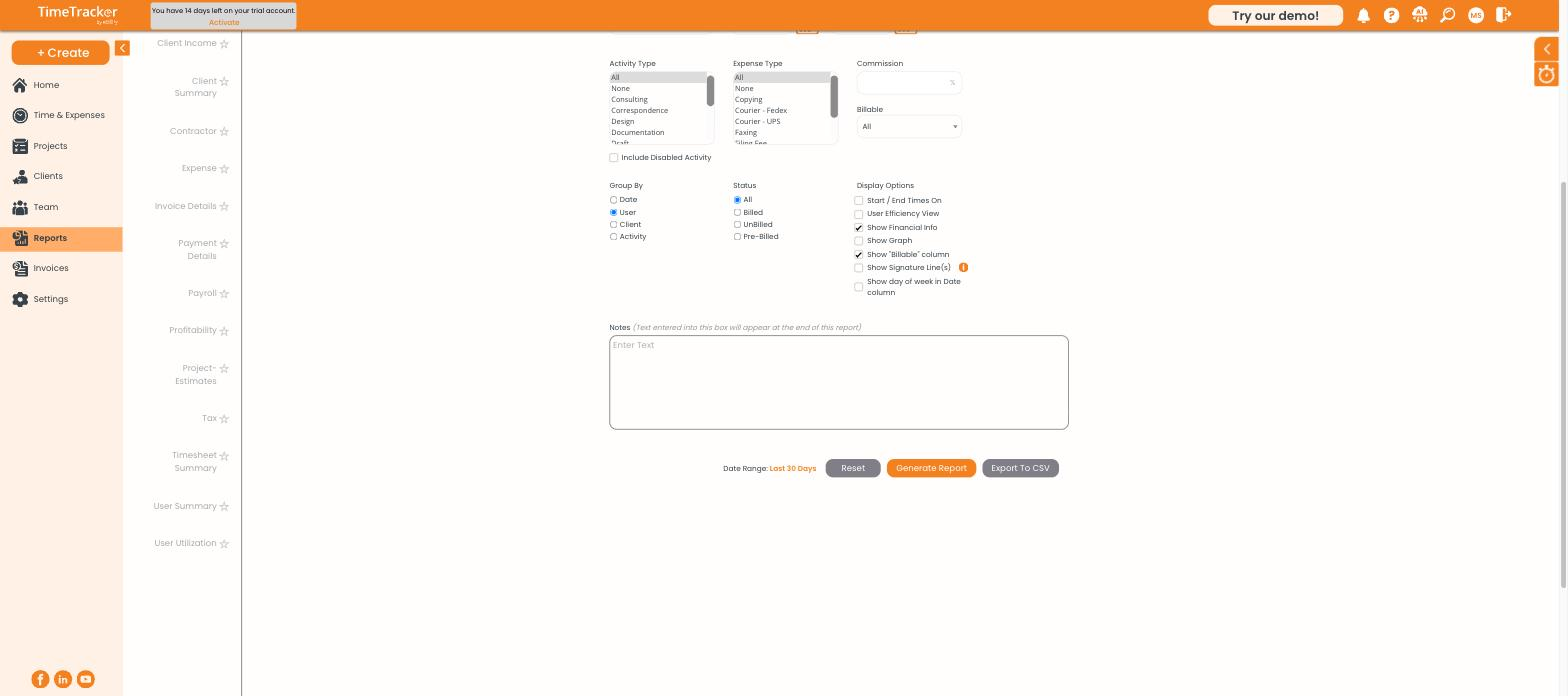
The full report list runs down the left side of the Reports page.
Time and entry reports
Report
Answers
User
What did each person work on, entry by entry?
User Summary
How much time did each person log, in total?
User Utilization
What proportion of each person's time was billable?
Timesheet Summary
What do the timesheets look like across a period?
Client Entry
What was logged for a given client?
Contractor
What have contractors logged?
Billing and money reports
Report
Answers
Account Receivable
Who owes us money, and how overdue is it?
Client Billed
What have we invoiced each client?
Client Income
What has each client actually brought in?
Client Summary
How does a client look overall — billed, unbilled, paid?
Invoice Details
What is on each invoice, line by line?
Payment Details
What payments came in, when, and by what method?
Profitability
Which work makes money once costs are counted?
Tax
What tax has been applied across invoices?
Project and cost reports
Report
Answers
Project-Summary
How is each project tracking overall?
Project-Estimates
How does actual time compare to the estimate?
Expense
What has been spent, by client and category?
Payroll
What hours feed into pay?
The four worth knowing well
- User — the most detailed report in the product. Every entry with full context. When you need to answer a client question about a specific charge, start here.
- Account Receivable — your collections list. Run it weekly.
- User Utilization — the health metric for a services business. If billable share is drifting down, you want to know early.
- Project-Estimates — early warning on overruns, but only if you set budgets in the first place.
Shared reports
Shared Reports at the top of the list holds report configurations shared across your firm, so a filter set someone else built is available to you. The star beside each report marks your favourites and pulls them to the top.