A client is whoever you send the invoice to. Everything else in Time Tracker Billing — projects, time, expenses, invoices — hangs off a client record, so this is usually the first thing you set up.
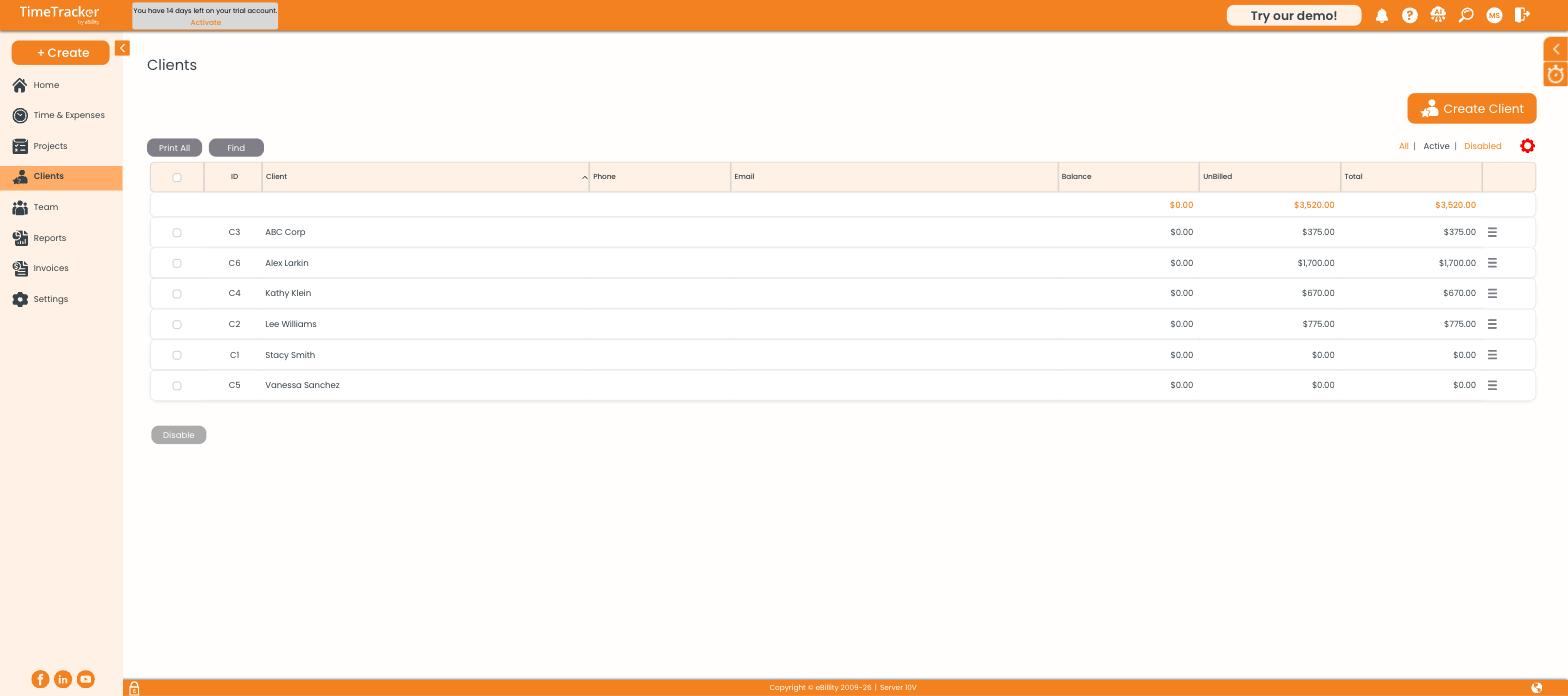
The client list shows each client's balance, unbilled amount, and total.
Creating a client
- Go to Clients and click Create Client, or use + Create → Client.
- Choose a Client Type — Person gives you first and last name fields, Organization gives you a single business name.
- Fill in the name. This is what appears on invoices, so enter it the way the client expects to see it.
- Work through the remaining tabs as needed, then Save & Close.
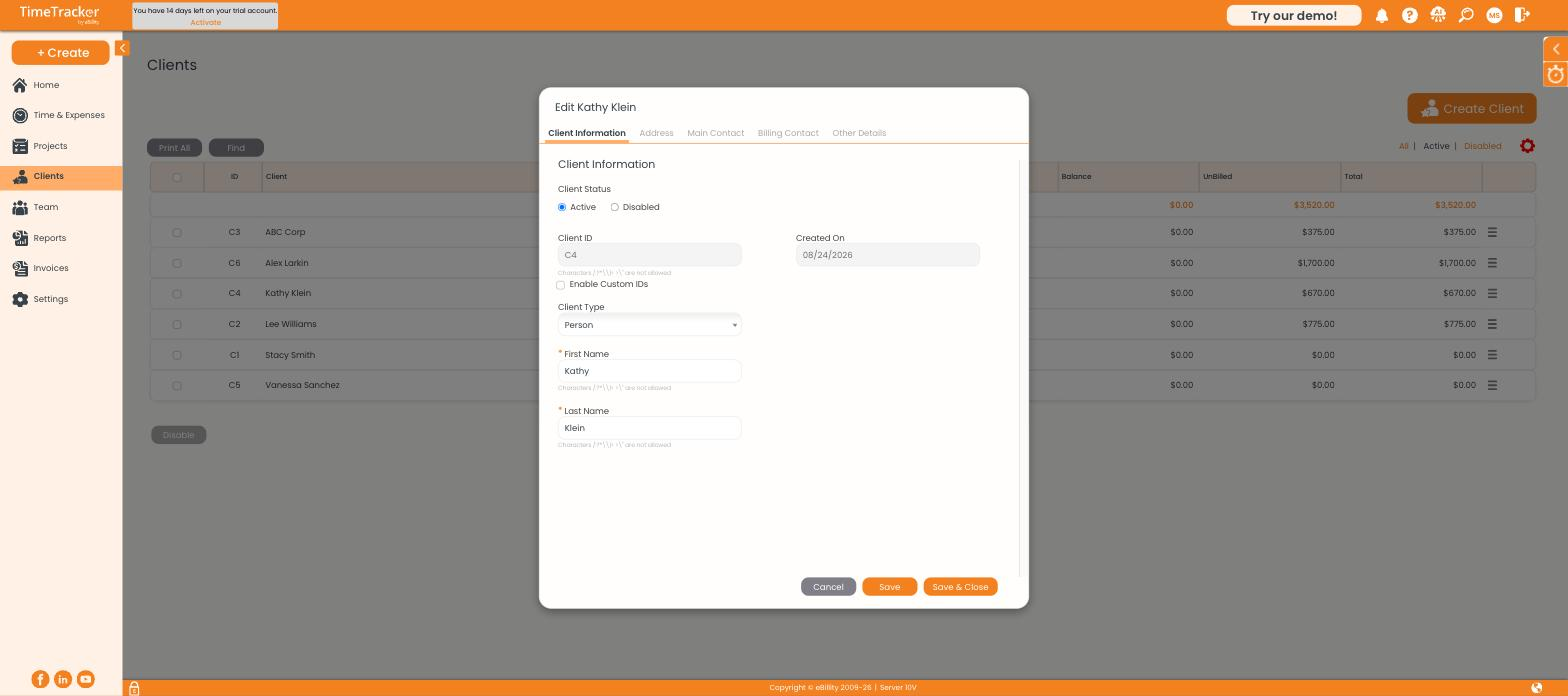
The client record opens on Client Information, with further tabs across the top.
The tabs on a client record
Payment terms
Set payment terms on the Other Details tab. The term you pick here becomes the default on every invoice for this client and drives the due date shown on the invoice. Use Add beside the field to create a new term if the one you need is not in the list.
Deactivating rather than deleting
Select a client and click Disable at the bottom of the list. The client disappears from your dropdowns but every invoice, time entry, and report that references them stays intact. Use the All / Active / Disabled filters to switch what you are looking at.