Tap Settings in the hamburger menu (or the gear icon in the sync bar at the bottom of the screen) to open the Settings screen.
The Settings screen is straightforward:
- Ask before deleting — A toggle that controls whether the app prompts for confirmation before deleting time entries, expenses, or other records. Enabled by default.
- Language note — To change the app language, log out and select your preferred language on the login screen.
- Version and Currency — Displayed at the bottom (for example, "Version 38.0.10, Currency: US Dollar (USD)").
Tap Save to apply changes or Cancel to discard them.
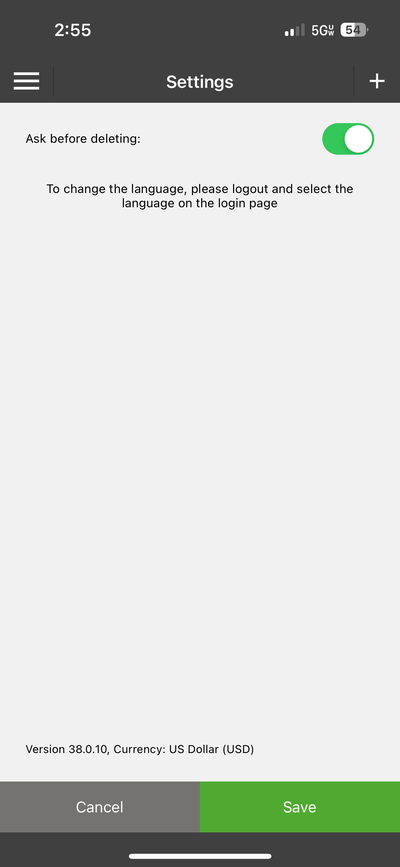
The Settings screen — simple and focused
Note: Most account settings (billing rates, permissions, time tracking mode, lock dates) are managed by your admin on the web and cannot be changed from the mobile app.
ℹ️ Note: Most account settings (billing rates, permissions, time tracking mode, lock dates) are managed by your admin on the web and cannot be changed from the mobile app.