Tap Time Off in the hamburger menu to see all time-off entries. The screen has two tabs:
- All — Shows time off for all employees (if you have permission to view team data).
- Mine — Shows only your own time-off entries.
Each entry displays the employee name, the type of time off (for example, Holiday, Vacation, Unpaid TO, Comp Time, Personal Day), the date, and the number of hours. You can also toggle "Show Cancelled Entries" to include entries that have been cancelled.
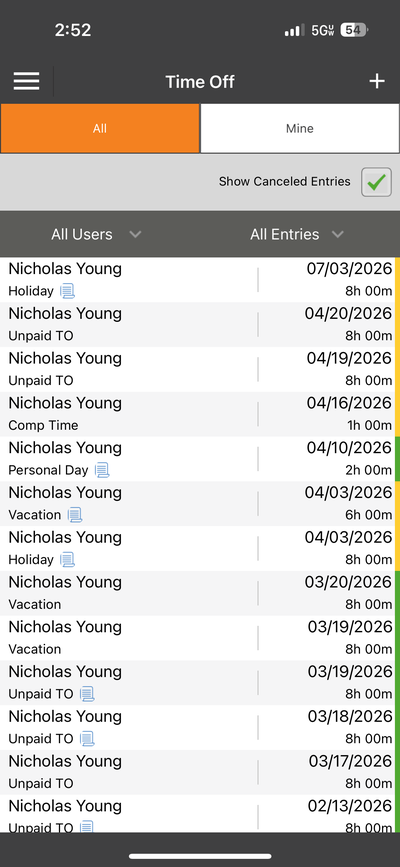
The Time Off list — view all entries or just your own