Every project has a Project Billable Type, set on the Billing tab. It decides how tracked time turns into money.
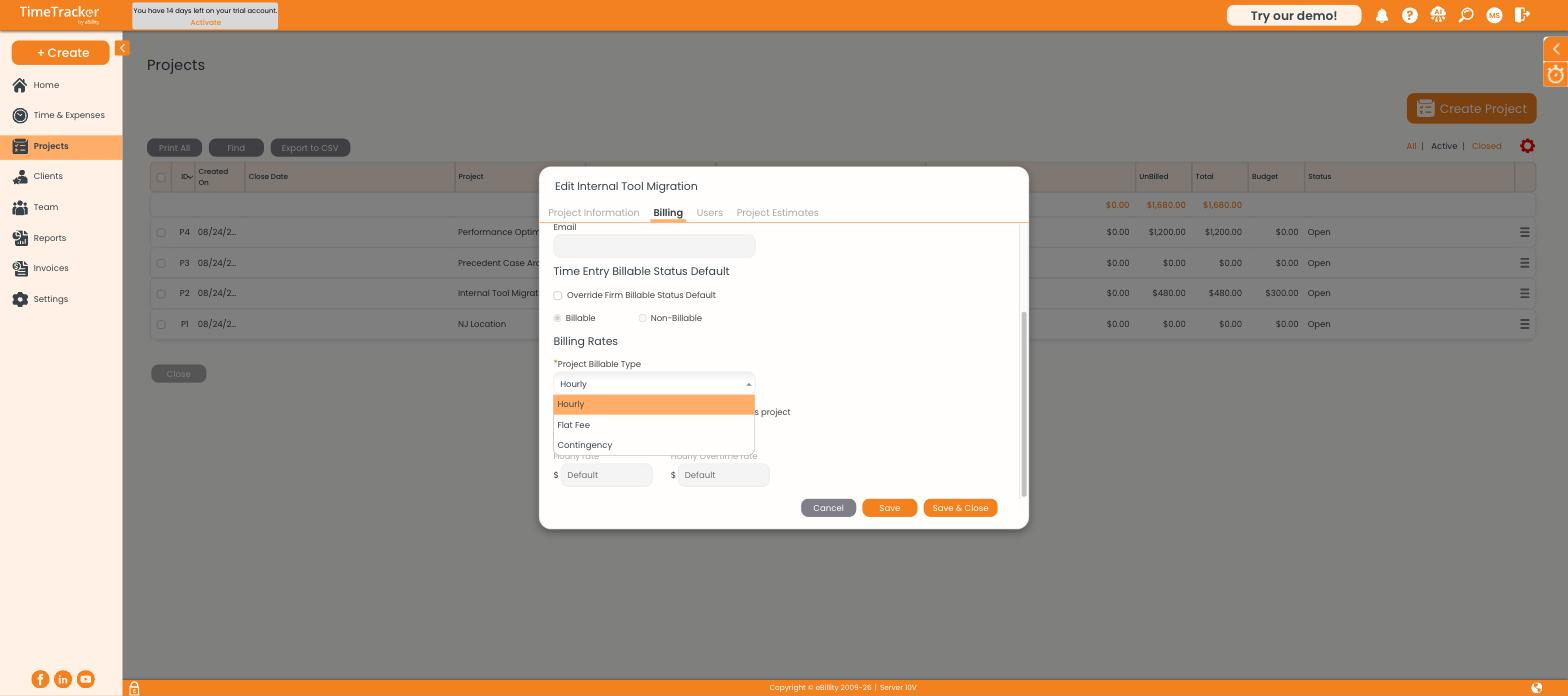
The Project Billable Type dropdown offers Hourly, Flat Fee, and Contingency.
The three types
Hourly
The default, and the one most firms use. Log your hours, and the rate that applies is worked out from the project, client, activity, or user — see the billing rates article for the order.
Flat Fee
Keep tracking time even on a flat-fee project. The client is not billed for the hours, but you still want to know how many went in — that is the only way to find out whether the fee you quoted was the right one. The profitability report is built for exactly this comparison.
Contingency
Time is recorded throughout, and what you bill depends on how the matter resolves. As with flat fee, the tracked hours are your record of effort even though they do not directly set the invoice amount.
Billable versus non-billable
Billable type is a separate question from whether an individual entry is billable. The Bill checkbox on each timesheet row controls that, and the project's Time Entry Billable Status Default sets which way that checkbox starts out.