How you bill a project determines how TimeTracker calculates invoice amounts. Choosing the right billable type upfront means your invoices will generate correctly without manual adjustments. Here's how each type works and when to use it.
Each project has a billable type that determines how work is invoiced.
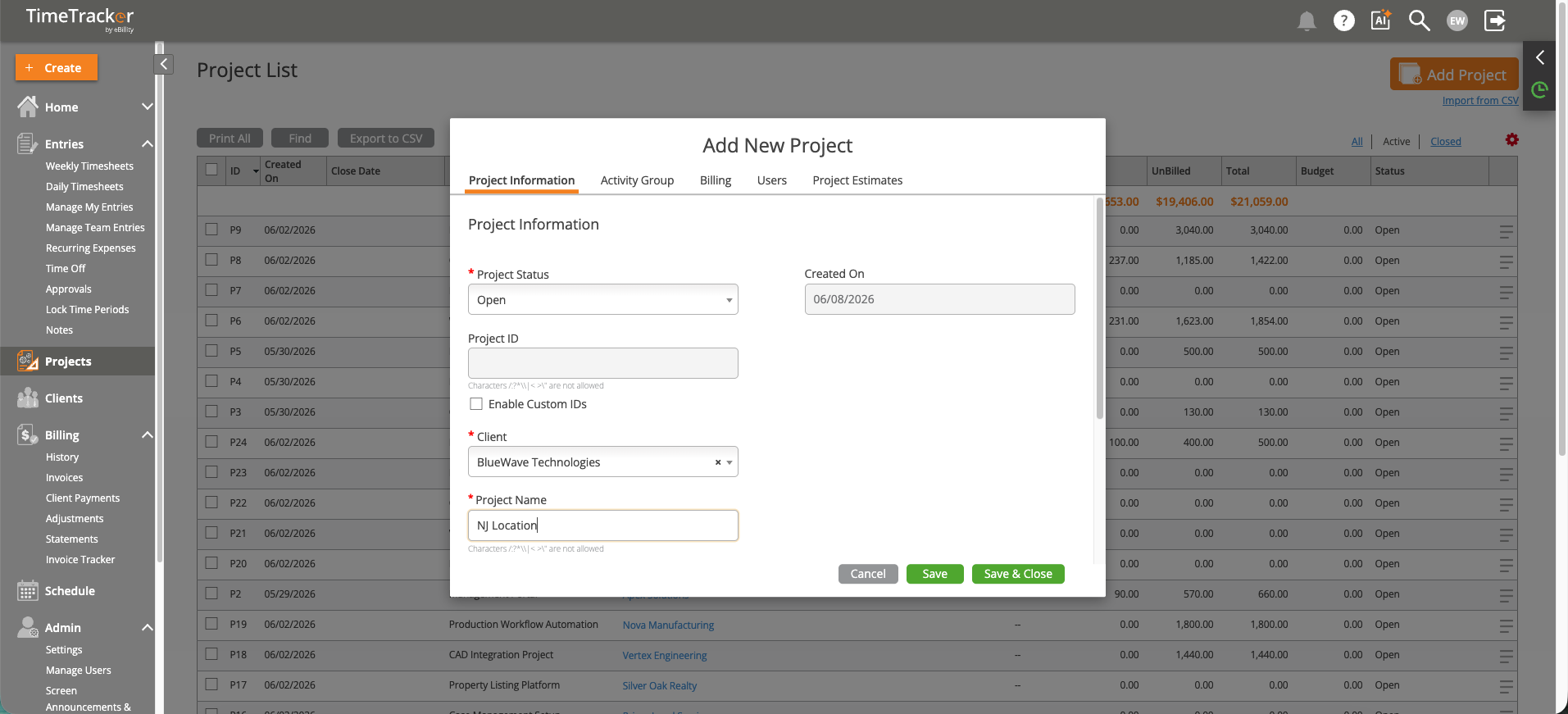
The Add New Project dialog lets you set client, lead, billable type, and budget when creating a project.
Set the billable type on the Billing tab when creating or editing a project. The type affects how invoice amounts are calculated when you select entries for invoicing.