Each user can have a default hourly rate and overtime rate. These rates are used when calculating invoice amounts unless overridden at the client or project level. Setting rates correctly upfront prevents $0.00 invoices — the most common billing issue.
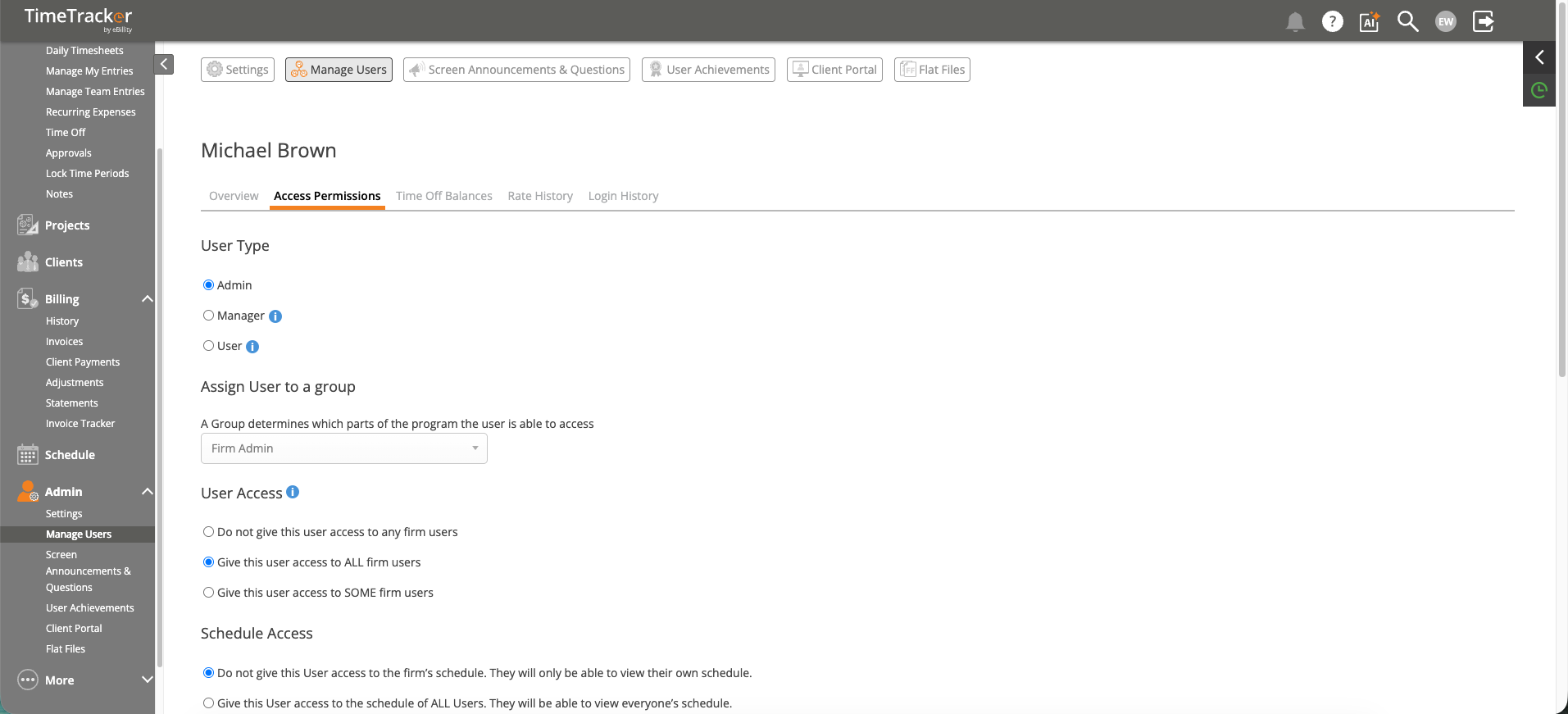
The User Profile page where billing rates and permissions are configured.
Setting a User's Rate
- Go to Admin > Manage Users.
- Click the user's name to open their profile.
- Enter their Hourly Rate (the default rate used for billing).
- Optionally enter an Overtime Rate for hours that exceed the standard threshold.
- Click Save.
How Rate Priority Works
When multiple rates are configured, TimeTracker uses the most specific one:
- Project rate (most specific) — Set on the project's Billing tab. Overrides everything else for that project.
- Client rate — Set on the client record under Other Details > Billing Rates. Used when no project-level rate exists.
- User default rate (least specific) — The rate on the user's profile. Used as the fallback.
Best Practice
Set a default hourly rate on every user's profile. This ensures no time entry ever bills at $0.00 by accident. Then override at the client or project level only where you have specific rate agreements — like a discounted rate for a long-term client or a different rate for a fixed-fee project.