Before you start adding people to TimeTracker, it helps to understand what each role can and can't do. The role you assign determines what a user sees, what they can change, and how much administrative access they have. Getting this right upfront prevents confusion and support requests later.
TimeTracker has four user roles, each with different levels of access.
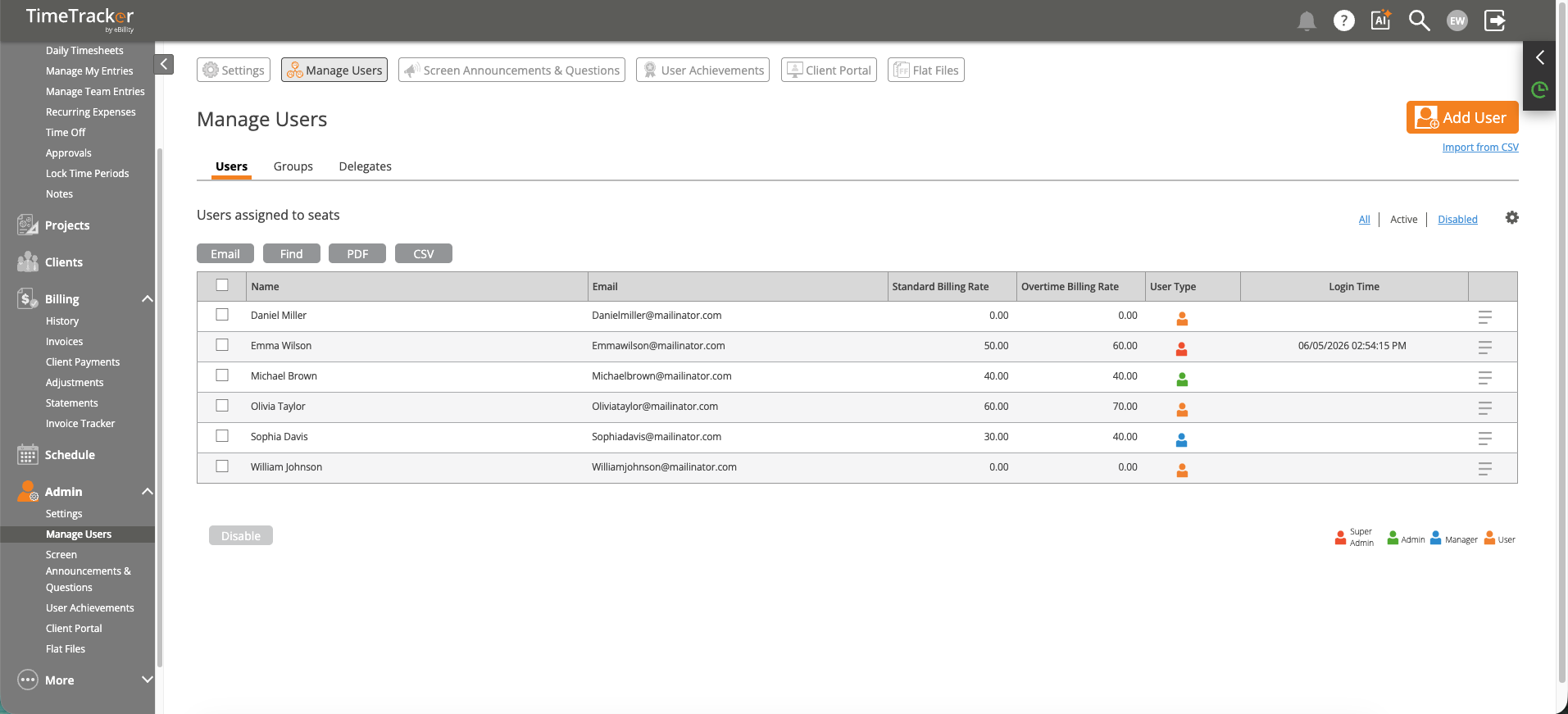
Manage Users shows all users with their roles, billing rates, and login history.
Choose roles carefully. Most team members should be Employees. Reserve Admin and Super Admin roles for people who need to manage billing, settings, or user accounts.