Time Tracker Billing is the plan built around one job: track the time and costs you spend on client work, then turn them into an invoice and get paid. If you bill clients, this is your plan.
It is a deliberately focused product. Everything you need to go from a timer to a paid invoice is here, and the workforce-management features that larger teams need are not.
What you can do
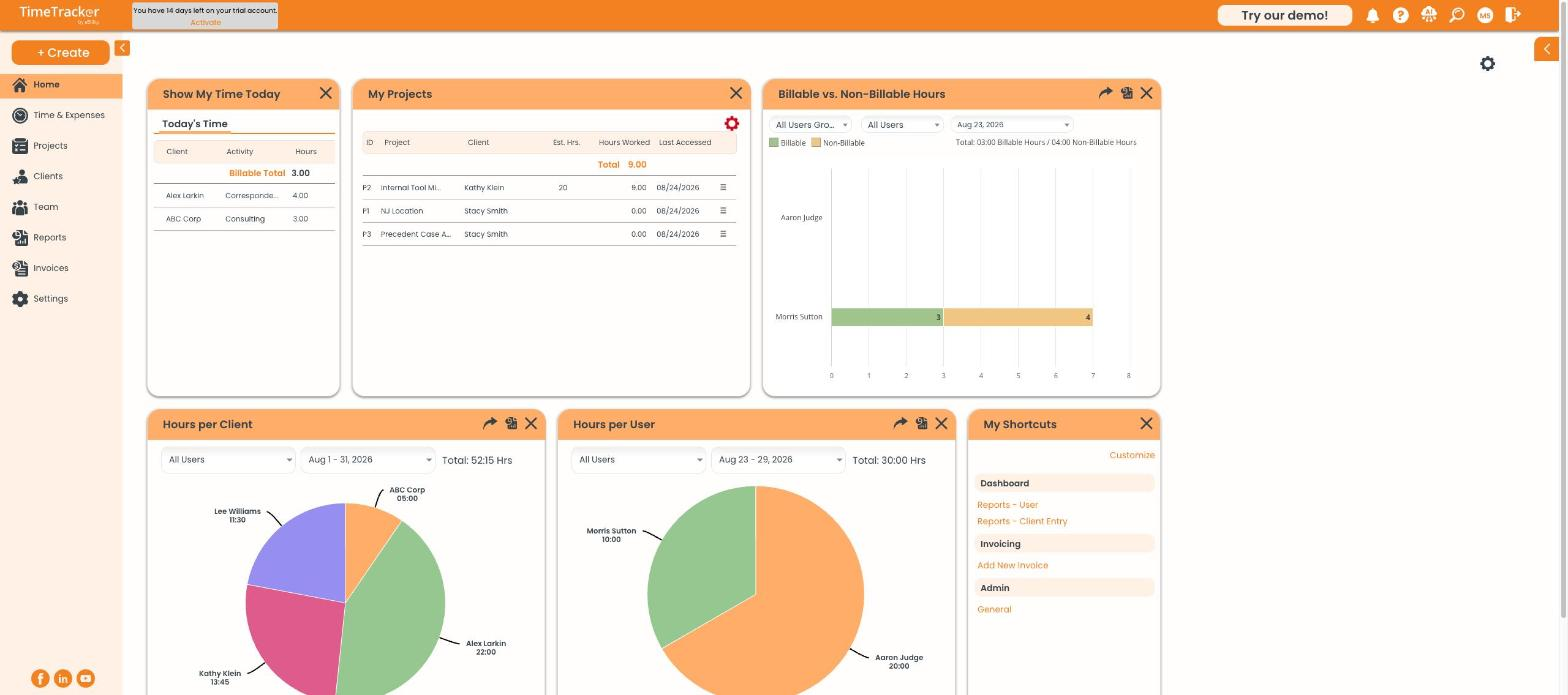
The Time Tracker Billing dashboard, showing today's time, your projects, and billable versus non-billable hours.
What is not in this plan
Time Tracker Billing does not include the workforce-management side of the product. If you need any of the following, you are looking at the Workforce or Premium plan instead:
- GPS tracking and geofencing
- Employee scheduling and shift management
- The time clock kiosk for shared devices
- Timesheet approval workflows
- Custom fields on time entries
- Payroll and accounting integrations beyond QuickBooks Online
Checking which plan you are on
Go to Settings → Company Information. Your plan name appears at the top of the page, next to a Manage Subscription link.
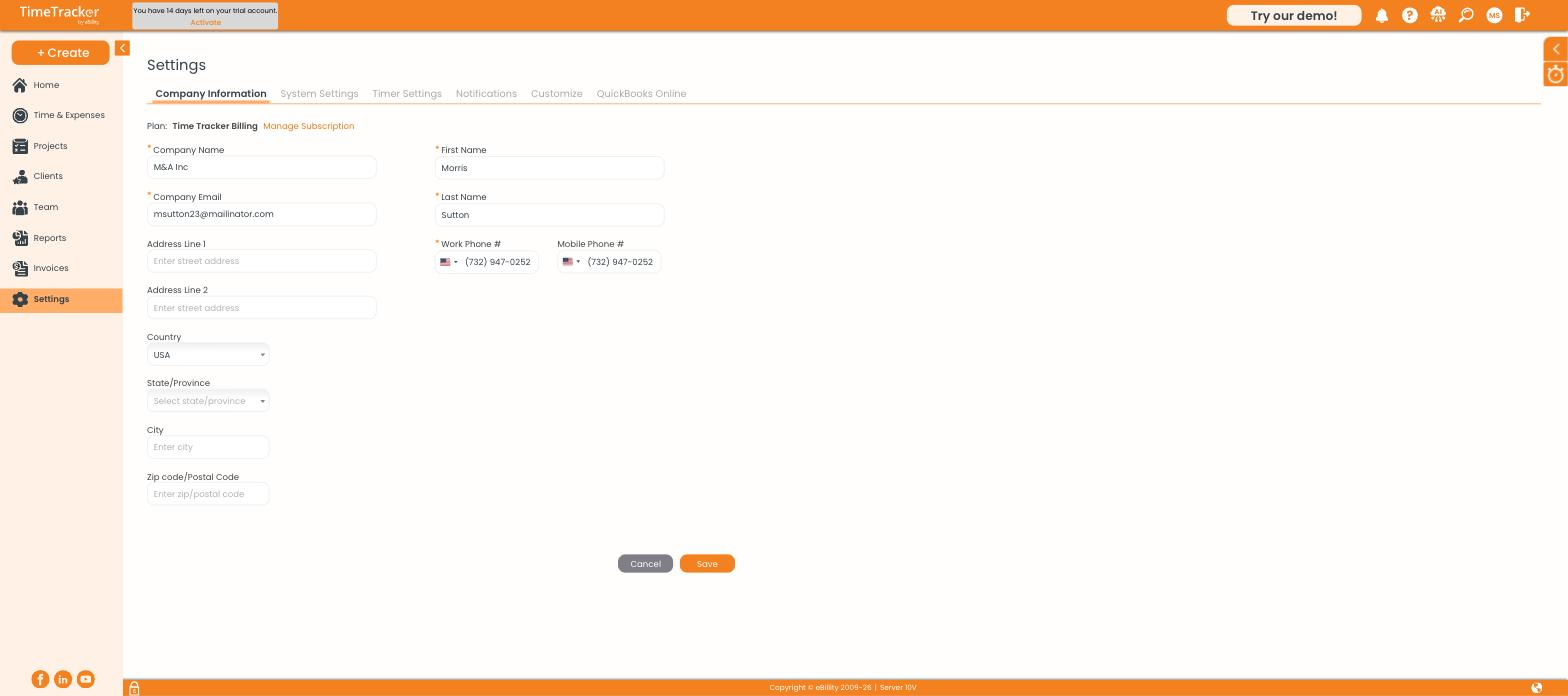
Your current plan is shown at the top of Settings, with a link to manage your subscription.