
Applies to: Workforce · Premium · LawBillity
Everything in Time Tracker is reachable within two clicks. Once you know where things live, you'll spend less time navigating and more time on the work that matters. Here's a quick tour of the layout so you always know exactly where to go.
The left sidebar is your primary navigation. Here’s what each icon leads to:
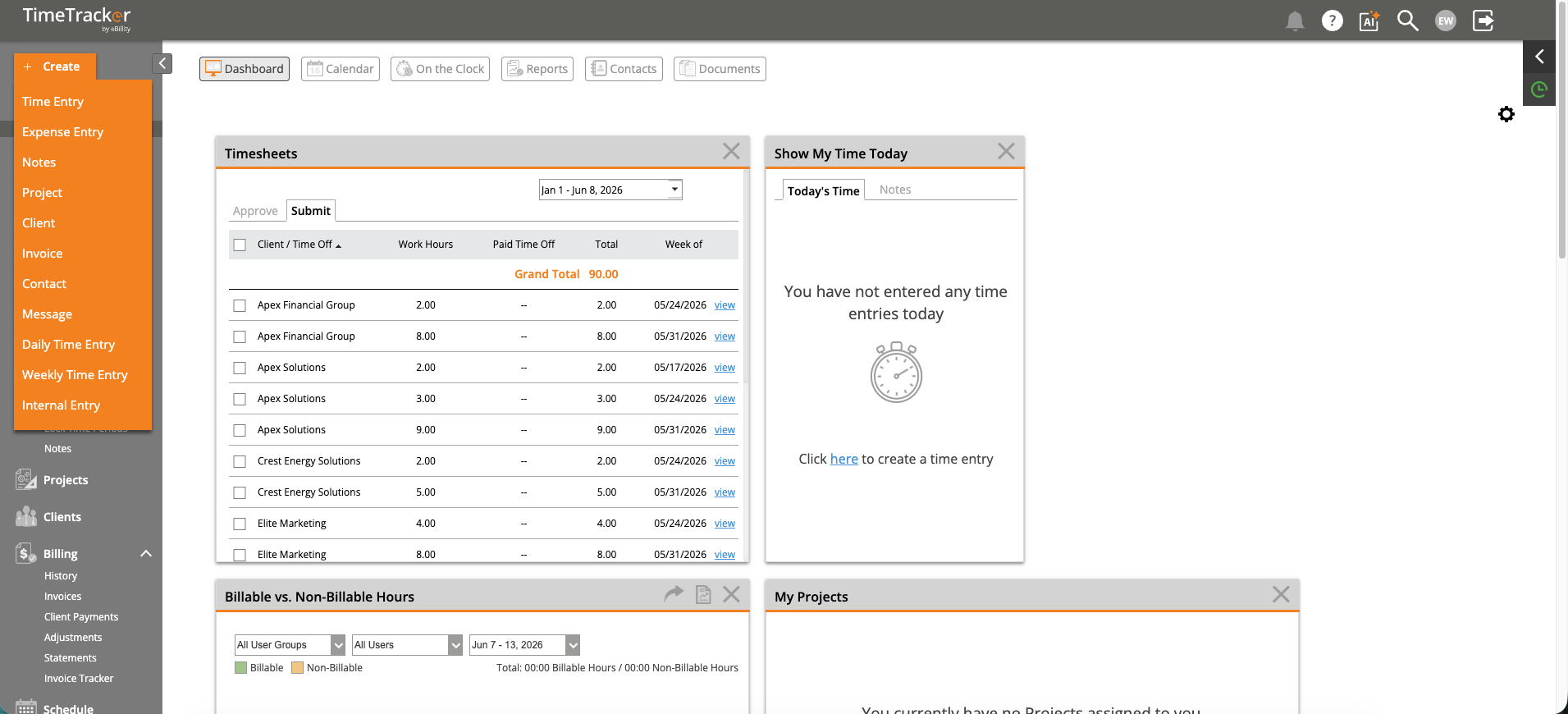
The Quick Create menu provides shortcuts to create time entries, expenses, projects, invoices, and more from any page.
The Quick Create Menu (+)
Clicking the +Create button in the top-left opens a dropdown with shortcuts to create: Time Entry, Expense Entry, Notes, Project, Client, Invoice, Contact, Message, Daily Time Entry, Weekly Time Entry, and Internal Entry. This menu is available from every page in the application.