
Applies to: Billing
When you create a project, you choose how it bills on the Billing tab under Project Billable Type. There are three options, and they change how the invoice is calculated.
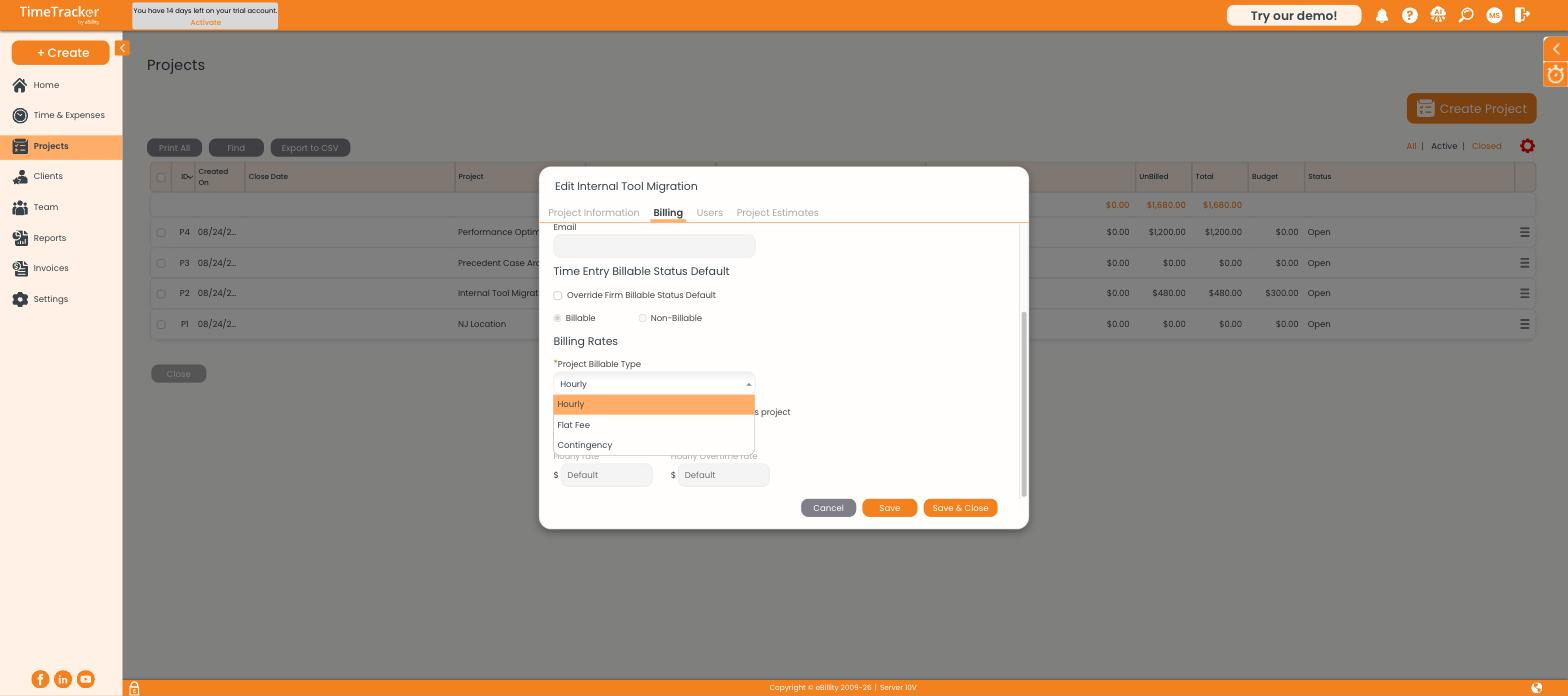
The Project Billable Type dropdown offers Hourly, Flat Fee, and Contingency.
The Three Types
Keep Tracking Time on Flat Fee and Contingency Projects
Even when hours don't set the invoice amount, keep logging them. Your tracked hours show whether the fee you quoted actually covered the work — compare them in the Profitability report.
Important: Set the billable type when you create the project. Changing it after time has been logged changes how existing entries price on future invoices.
Billable Type vs. the Bill Checkbox
These are separate settings. The billable type controls how the project bills; the Bill checkbox on each timesheet row controls whether an individual entry is charged. The project's Time Entry Billable Status Default (on the Billing tab) sets which way that checkbox starts.